Level 1 Classes
Level 1 classes are for students who have completed our intro classes skill list
- Level 1 classes are NOT for NEW students. All students new to aerial MUST take intro class
- For students ages 8-14 please find a class under ‘youth classes’ below
- For students 15+ please find a class under the ‘adult classes’ below
- We are NOT currently offering trapeze or rope classes for students under 16
Level 1 Prerequisites Here
Level 1 Silks- Together footlock, single footlock, and double footlock, flying dutchman (candy cane roll up), Rebecca split, french/wrap climb and russian climb
Level 1 Hoops/Lyra- Teardrop mount, Delilah mount, Man in the moon, Star, Knee hook, Horse, Inside mermaid, Outside mermaid and L-Sit
Level 1 Trapeze- Knee hang, star, mermaid, horse, gazelle and hip hang (Hoops/Lyra moves above may apply)
Level 2 and 3 Classes
Level 2 and 3 classes are for students who have completed level 1 skills and have been ‘green lit’ by our coaches to move on to these higher level classes
- Level 2 and 3 classes are open to any age students
- With the exception of rope and trapeze which students must be 16+ to take
- If your child has been given the ok by a coach to move into level 2 silks or hoop please find their class under ‘adult classes’ below
Level 2 & 3 Prerequisites Here
Level 2- For students who have mastered their level 1 skills and are working toward inverting in the air. Students work more on in air stamina and building sequences.
Level 3- For students who have mastered their level 2 skills and are comfortable inverting in the air. Students work on long in air sequences and high level skills.
Please note class location when registering
‘NT’= Lockport
‘ST’= West Seneca
Schedule below for September- November 2026
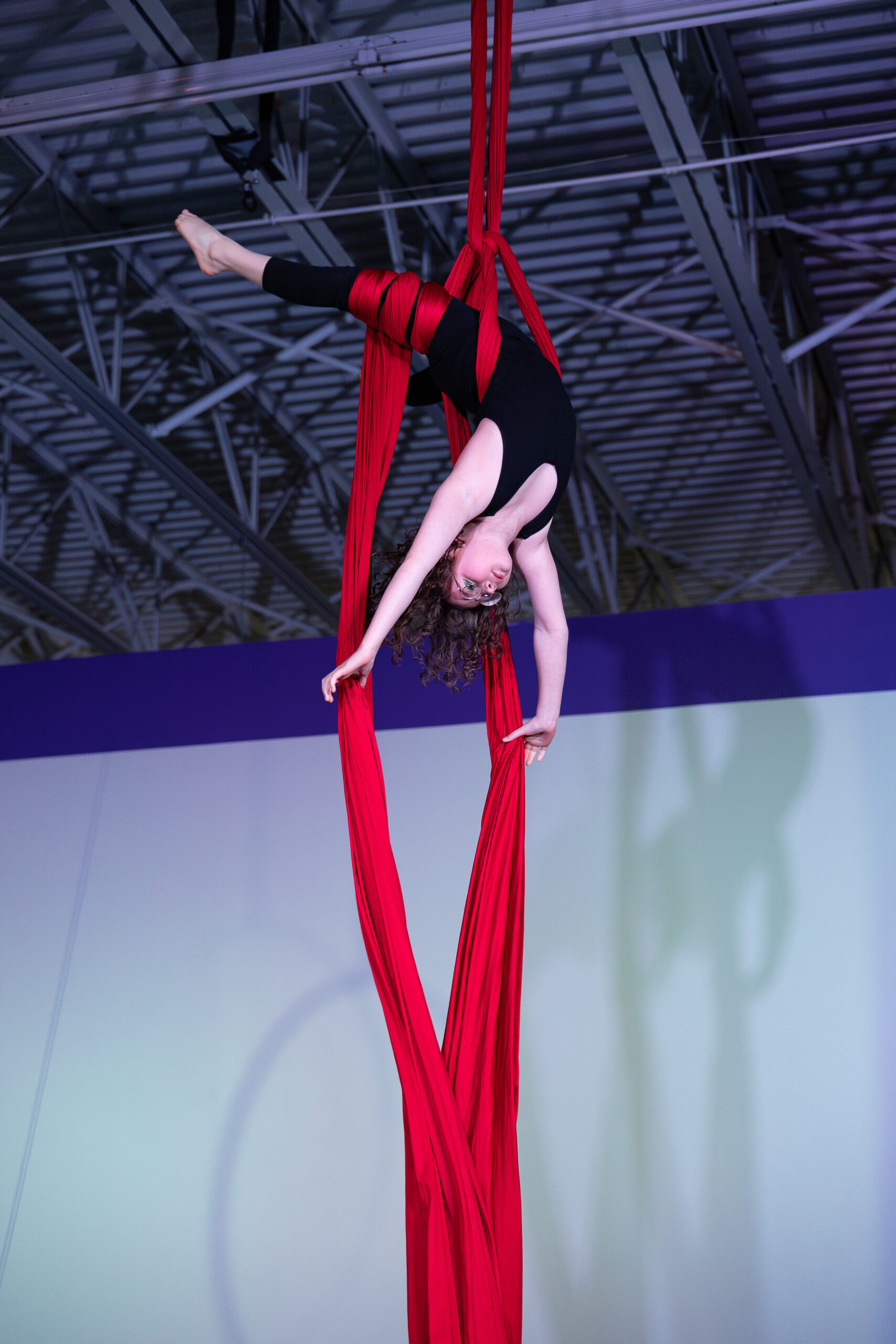
Youth Classes
Ages 8-14
Lockport Location
Wednesdays
5:45p-6:45p
NT Youth Level 1 Silks
Fridays
5:45p-6:45p
NT Youth level 1 hoops
West Seneca Location
Thursdays
7:00p-8:00p
ST Youth Level 1 Silks
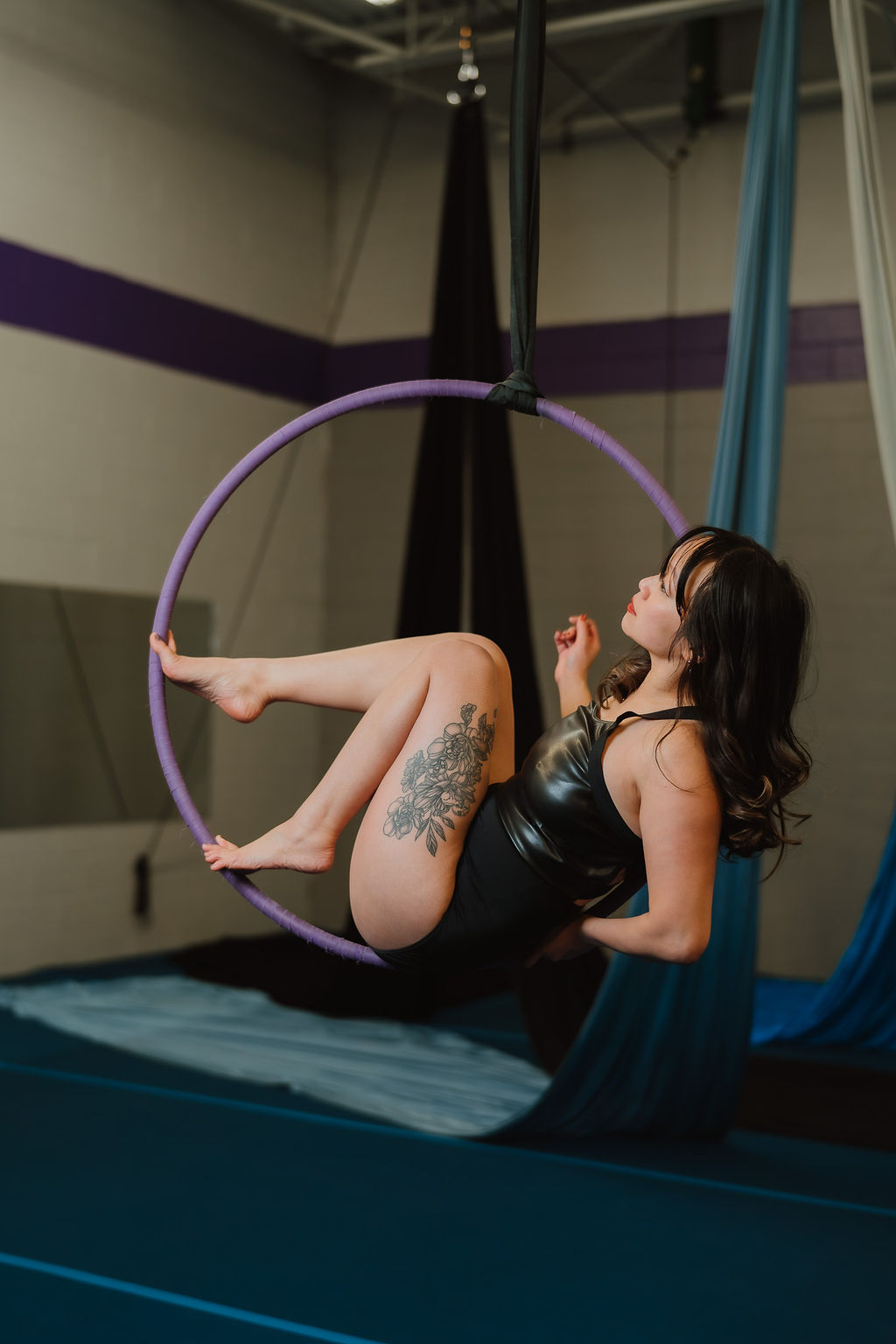
Adult Classes
Lockport Location
Sundays
11:15a – 12:30p
NT Adult Trapeze conditioning & dynamics (Level 1.5)
12:30p – 1:45p
NT Adult Level 2&3 Rope
Mondays
5:45p – 7:00p
NT Adult Level 2 Lyra
NT Adult Level 1 Silks
Tuesdays
5:45p – 7:00p
NT Adult Level 2 Trapeze
NT Adult Level 3 Silks
Wednesdays
5:45p – 7:00p
NT Adult Level 3 Trapeze
NT Adult Level 1 Lyra
7:00p – 8:15p
NT Adult Level 1 Trapeze
NT Adult Level 2 Lyra
NT Adult Level 2 Silks
Thursdays
7:00p – 8:15p
NT Adult Level 2&3 Hammock
*Instructor permission REQUIRED*
West Seneca Location
Sundays
4:00p – 5:15p
ST Adult Level 2 Lyra
5:15p – 6:30p
ST Adult Level 1 Lyra
Thursdays
6:45p – 8:00p
ST Adult Level 2 Silks
Looking to practice your skills outside of class? Find an open gym time here
Sign up for classes:
Download the ‘Groovio’ app and find our studio “Buffalo Aerial’. Use the ‘Book Now’ button to find a class in the app.
APPLE https://apps.apple.com/us/app/groovio/id6448961436
ANDRIOD https://play.google.com/store/apps/details?id=com.groovio&hl=en_US&pli=1d
Groovio Walkthrough for our courses
- Go to book a class button
- Find the first week of your regular class on the schedule, the first week is highlighted in yellow
- Scroll to find your class which has the yellow starting banner and hit the purple book button
- At the top of the page you will see the 4 classes and if you use the drop down by clicking the course dates it will show you all the classes you are registering for
- Scroll to the bottom of the page for the pay now if you are doing just one course, if you plan to do multiple courses within the month hit add to cart
- To select another course you will find the first day of the second course. Add to cart
- Go to your cart and you will see a discount applied for the second course or any other courses you add for that month
Video walkthrough of booking a full course
- Scroll on the front page of the app to the packages tab
- Purchase the experienced class pack that applies to you
- Go to book a class
- Click the first class on the calendar that you plan to attend
- Find the class on that day and hit the purple book button
- Unclick the “course dates” checkbox to join just the single class that you selected
- You will see that class date in bold appear
- Scroll down to the “my purchases box and select the 6 class pack that your purchased
- You will see in the green box “redeemable 1 class” that tells you this package can be applied to the class you selected
- Click complete and there will be a pop up that asks “did you mean to sign up for a single class?”
- Continue this process to sign up for any classes during our Fall season
Video walkthrough of using a 6 class pack
- Find the class in the booking calendar
- Click the book button for that class
- You will see at the top it will say #/# classes of how many classes are left in the month
- The past classes will be in red if you look at the course dates drop down
- Scroll to the bottom where it says “grand total” and you will see the number of classes to be charged which is the number of classes left in the month
Video walkthrough of booking a course after the first week
- Go to the upcoming classes and click on the class
- All the classes you have booked will appear with a cancel class button
- Click the cancel class button and a pop up will appear that says you can use this make up credit on any similar leveled class during the month
- Under your my purchases you will see the makeup credit
- Go to the calendar and find a class that you would like to join to make up your class in
- Unclick the course date box so that you are using the make up credit on just the class you clicked on
- Scroll to the my purchases and select the make up credit package and hit complete
Video walkthrough of using a makeup credit
*Make up credits can be used only during the month of the course*